
How it works
One visit to start. Then a quarter at a time.
A few hours on site, a dashboard within days, fixes at your own pace, and a check every three months that they held. Nothing to install and nobody to hire.
How it works
One visit to start, then a quarter at a time. Nothing to install and nobody to hire.
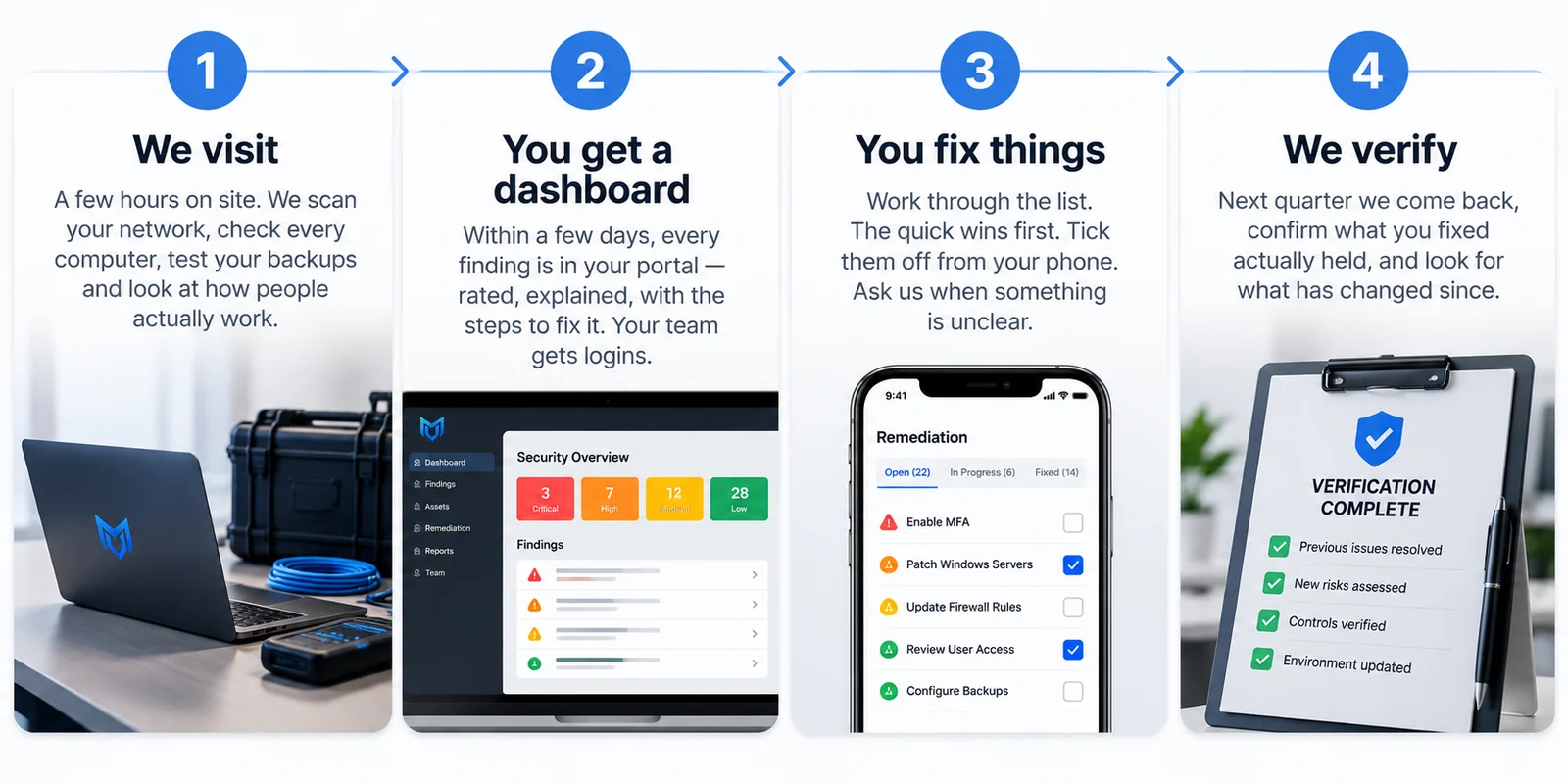
- 1
We visit
A few hours on site. We scan your network, check every computer, test your backups and look at how people actually work.
- 2
You get a dashboard
Within a few days, every finding is in your portal: rated, explained, with the steps to fix it. Your team gets logins.
- 3
You fix things
Work through the list. The quick wins first. Tick them off from your phone. Ask us when something is unclear.
- 4
We verify
Next quarter we come back, confirm what you fixed actually held, and look for what has changed since.
The visit
A few hours on site, looking at what an attacker would look at
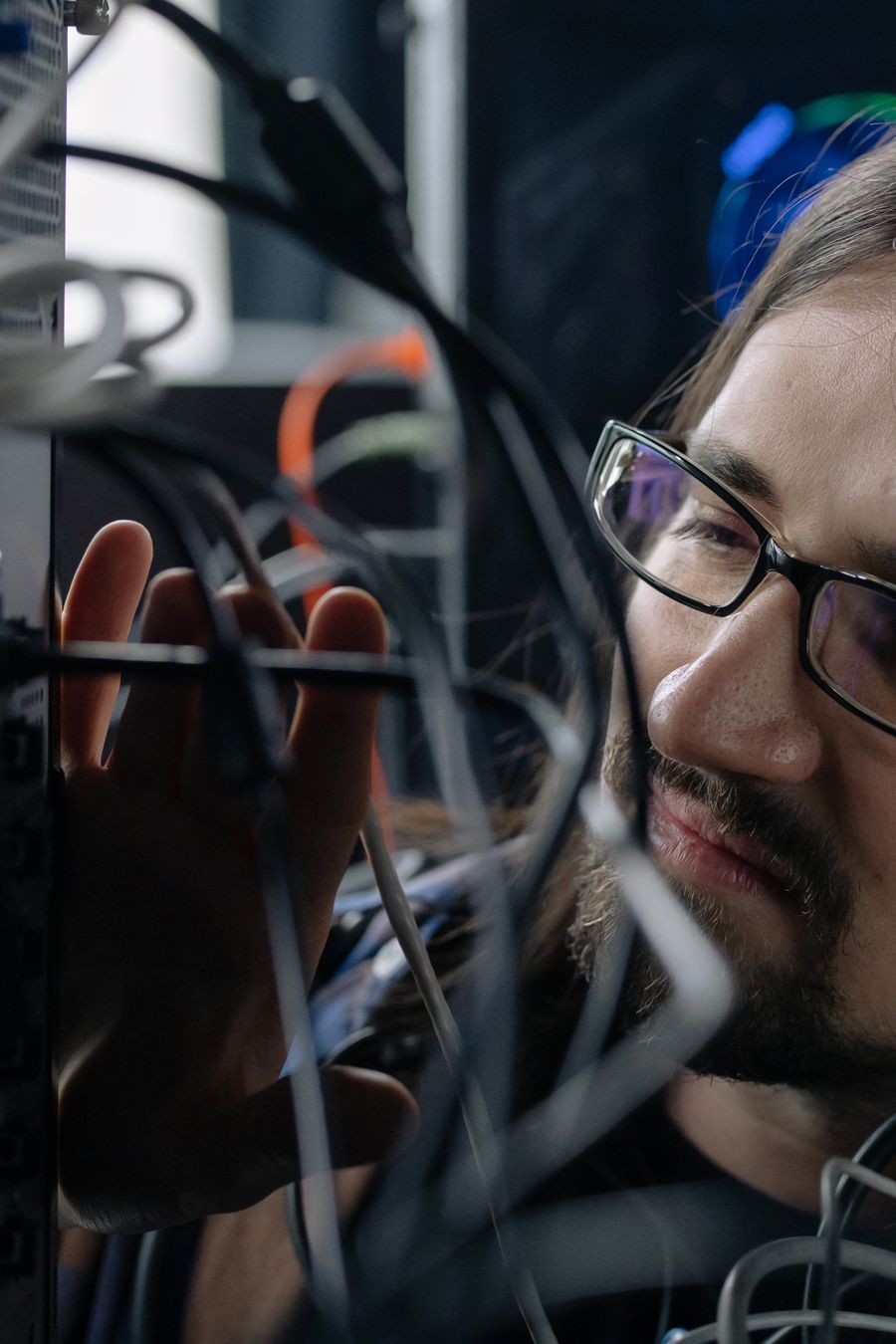
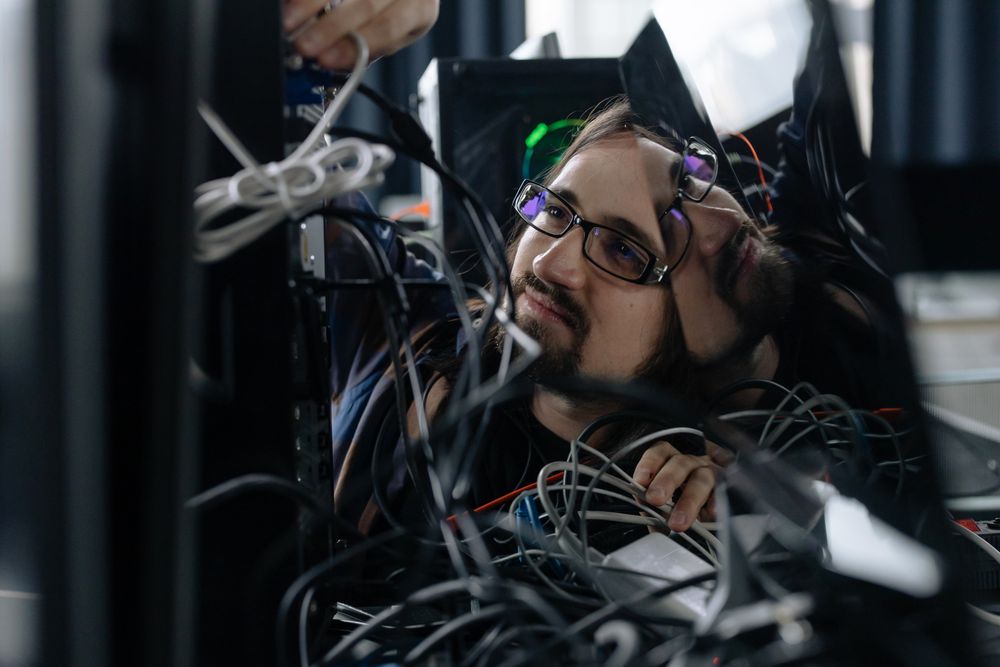
Not a questionnaire. We come to the building, plug in, and test the things that actually get small businesses in trouble.
Every computer, checked
Updates, antivirus, who has admin, what is running that should not be. Each machine gets its own list.
The network, from the inside
What is reachable from the guest wifi, what the router still has the factory password on, what is open to the street.
The backups, actually restored
We pick a file and get it back. If that does not work, it is the first thing on your list, above everything else.
How people really work
Where the passwords are written, who shares a login, what happens when someone leaves. The gaps a scanner cannot see.
After the visit
You fix things from your own desk, at your own pace
The list is ordered so the quick wins come first and the thing that could end the business is at the top. You will not need us for most of it.
Fifteen minutes at a time
Each finding says how long it takes. An owner with a spare quarter hour can open the portal and close something.
From the phone, at the machine
Tick a step standing at the kitchen PC. The app works with no signal at all and sends the ticks when it finds some.
Ask when it is unclear
A note on any finding reaches us. The answer goes back onto the finding, where the next person will see it too.
Verified next quarter
We come back, confirm what you fixed actually held, and look for what has changed. The dashboard shows the trend.

iPhone app included
Ticks save on the phone, send when in range
What you get
A portal, not a PDF
Everything the visit found, kept up to date as you work through it.
- A rating you can read
- One overall risk rating on a gauge from 0 to 10, and the word that goes with it. It comes down as you fix things, and the next visit sets it again.
- Every finding in plain English
- “Your backups have never been tested”, not a CVE number. The scanner output is one click away for whoever wants it.
- Steps, with times
- Each finding has numbered steps concrete enough to tick, and an honest estimate. A quarter hour spare is enough to close something.
- Per device
- Findings attach to your computers by the names you use. “Office PC done, kitchen PC still to do.”
- A shape of your network
- One flat network or several, a mesh or a single box, whose router, whether there is a guest wifi, and what that means for you.
- A history
- What was open on every day since we started. The line an insurer wants to see going down.
Start with one visit
Tell us about the business and roughly how many computers. We will come back with a price and a date.