
Written for you, not for an engineer
“Your backups have never been tested”, not a CVE number. The scanner output is there too, one click away, for whoever wants it.
Security assessments for small businesses
We test your computers, your network and your backups the way an attacker would. Then instead of a report you file away, you get a dashboard: what we found in plain English, what to do about it step by step, and a number that goes down as you fix things.
One visit to start. A price the same day you ask.
New research · The Bakersfield Cybersecurity Report 2026
86% of the 4,406 Bakersfield business domains we checked lack an enforced DMARC policy.
That is the setting that tells mail servers to quarantine or reject fake email sent in a business's name. Only 1 in 17 publishes a reject policy, and fewer than 1 in 11 pass five free, basic checks. The full study, with every number, how it was measured, and its limits.
Some of what a visit checks
What we almost always find
Not clever attacks. Ordinary gaps, found by automatic tools that try every business in the country and stop at the ones that are open.

Where the visit starts
In the cupboard the router lives in, on the machine behind the counter, and in the backup nobody has opened since it was set up.
Backups that have never been restored
A backup nobody has tested is a hope, not a backup. Most have never been tried.
Updates months behind
Every hole in an old version of Windows is public. The tools that look for them are automatic.
One password, shared around
On a sticky note, in a group chat, the same one as the bank. It only has to leak once.
Wifi the whole street can see
The customer network and the till on the same wifi, with the password on the counter.
Email with no second step
The account that resets every other password, protected by nothing but a password.
Free, in a minute, no visit
Whether your passwords have leaked, whether anyone can send email as you, what is open to the internet, and which lookalike domains exist. Type your website; read it in plain words.
Check my business
You log in and see where you stand today, not where you stood the day we visited.
Sweet Creations Bakery
Where your security stands, and what to do next.
5.3/ 10
Medium risk
Overall
Improved from high risk last time
Every fix you tick off moves the needle down.
3
Needs fixing
3 of 7
Fixed
1
Awaiting our check
Your backups have been open for 40 days. It is the one thing on this list that ends a business.
Do these next
CriticalYour backups have never been tested
0 of 5 steps · About an hour
HighWindows updates are two months behind
2 of 4 steps · About 2 hours
LowEmail has no second step
0 of 3 steps · About 15 min
Windows updates are two months behind
Updates close holes attackers already know about. Two months is long enough for the automatic tools to find you.
On these computers
Steps · 2 of 4 done
“Your backups have never been tested”, not a CVE number. The scanner output is there too, one click away, for whoever wants it.
Each finding comes with numbered steps and a time estimate. Tick them off as you go. Tick the last one and the finding marks itself fixed.
“Office PC done, kitchen PC still to do.” Findings attach to your actual computers, named the way you name them.
You say it is done; we verify it on the next visit. The gap between those two is a number on our screen, and we chase it.
We come back every three months. Your dashboard shows the trend, so “we got better” is a chart rather than a feeling.
A finding you have left too long, a new issue between visits, a check that is due. You hear about it; you do not have to remember to look.
Drawn on your own network
A list of findings is how a scanner thinks. An attacker thinks in routes: in through the wifi, across to the office PC, out with the orders. We draw those routes on a map of your devices, step by step, each step resting on one finding. Fix any step and the route closes on the map, the same day.
How someone could get in
Sweet Creations Bakery · 2 of 3 routes still open
something serious open something open nothing open the attacker’s route
From the wifi
Join the wifi. The password is on the counter, and the till and the office PC are on the same network.
Office PC · because computers on the wifi can be tricked into talking to a stranger
Connect to the office PC with Remote Desktop. It answers, and it is two months behind on updates.
Office PC · because the office pc can be reached from the wifi using remote desktop
Read the orders and the saved bank login, or lock the machine for ransom. The backups have never been tested.
Backup drive · because your backups have never been tested
What they get: Every order, the accounts, and the office PC itself. With no tested backup, paying is the only way back.
The attacker’s view
After the visit, we read every finding the way an attacker would. It tells apart what is really exploitable today from what is only theoretical, names the two or three moves someone would make first, and says it in plain words. A scanner shouts about everything. This is the part that says what to do on Monday.
It reads what we found and reasons over it. It does not touch your systems and it never breaks into anything. A person on our team reads it before you ever see it.
What an attacker would do first
Sweet Creations Bakery · 3 exploitable now of 7
The quickest way in is the customer wifi: from the car park an attacker reaches the office PC over Remote Desktop, a guessed password away. Whichever way in they take, the untested backup is what turns a bad day into a closed business.
What they would do first
The verdict on each finding
Not just a scan
The assessment and the portal are the spine. These come with them, at no jump in price, so a small business gets what usually costs a retainer.
Compliance readiness
A checklist for each standard, every item in plain words with why it matters and the steps to close it. The ones an attacker can see from outside fill themselves in; you tick off the rest and watch the number climb. It is readiness, not a certificate, and the page says plainly who signs the real thing off.
Ready
Some fill themselves from the outside view. The rest you tick off as you go.
Phishing tests
A safe fake email, sent with the owner’s permission. You learn who clicked so you know who to help. The link lands on a friendly training page, and no password is ever asked for or kept.
5
Delivered
2
Clicked
40%
Click rate
A safe test, with the owner’s permission. The click lands on a training page, and no password is ever taken.
A real penetration test
Authorised in writing, then a tester tries the way an attacker would, on the network and on your website, and shows you what opened. On the network, the password audit tends to land the hardest. On the website, the check no scanner can do: whether one customer can open another’s records, or a page meant for staff loads without a login. Every finding comes with how it was done, how to reproduce it, and how to fix it.
12
Tested
5
Cracked
3
In under an hour
2
A leaked password
Five of twelve staff passwords were cracked from the captured hashes, three in under an hour. Counts only. No password is ever stored or shown.
Quoted separately
Neither is part of the monthly fee, and neither is ever pushed inside a finding. Ask, and the quote comes in writing the same day, like the visit.
AI chatbot test
If your site has a chatbot, someone will try to talk it out of its instructions: to leak what it was told to keep private, to say something that ends up in a screenshot, or to hand over details it should not. We test it the way they would, with NVIDIA garak and only with your written permission, and a person reads every result before you see it.
Counts only. The test never keeps the conversations, and a person reads every result before you do.
Watched day and night, by Huntress
A small Huntress agent goes on each computer, and Huntress’s security team watches them around the clock. If something gets in, they can cut that computer off the network until it is cleaned up, and hand your IT team what happened and what to fix. You see it in your portal, next to everything else we found. It is the only part of the service that installs anything, which is why it is a choice and not a default.
12
Watched
0
Need a look
1
Quiet a week
Watched by Huntress, shown in your portal.

Mitivanta is a Huntress partner. The watch is theirs: their agent, and their analysts on shift around the clock. What they report appears in your portal in the same plain words as everything else.
A few computers, customer records, a bank account, and no IT department. Criminals know that. This is the person on your side who also knows it.

The contractor with two trucks
Quotes, invoices and the bank login on one laptop that lives in the van. If it goes, the business stops.

The shop that takes cards
If you process payments, PCI applies to you. We track your readiness against it and say plainly what is left.
The practice with patient records
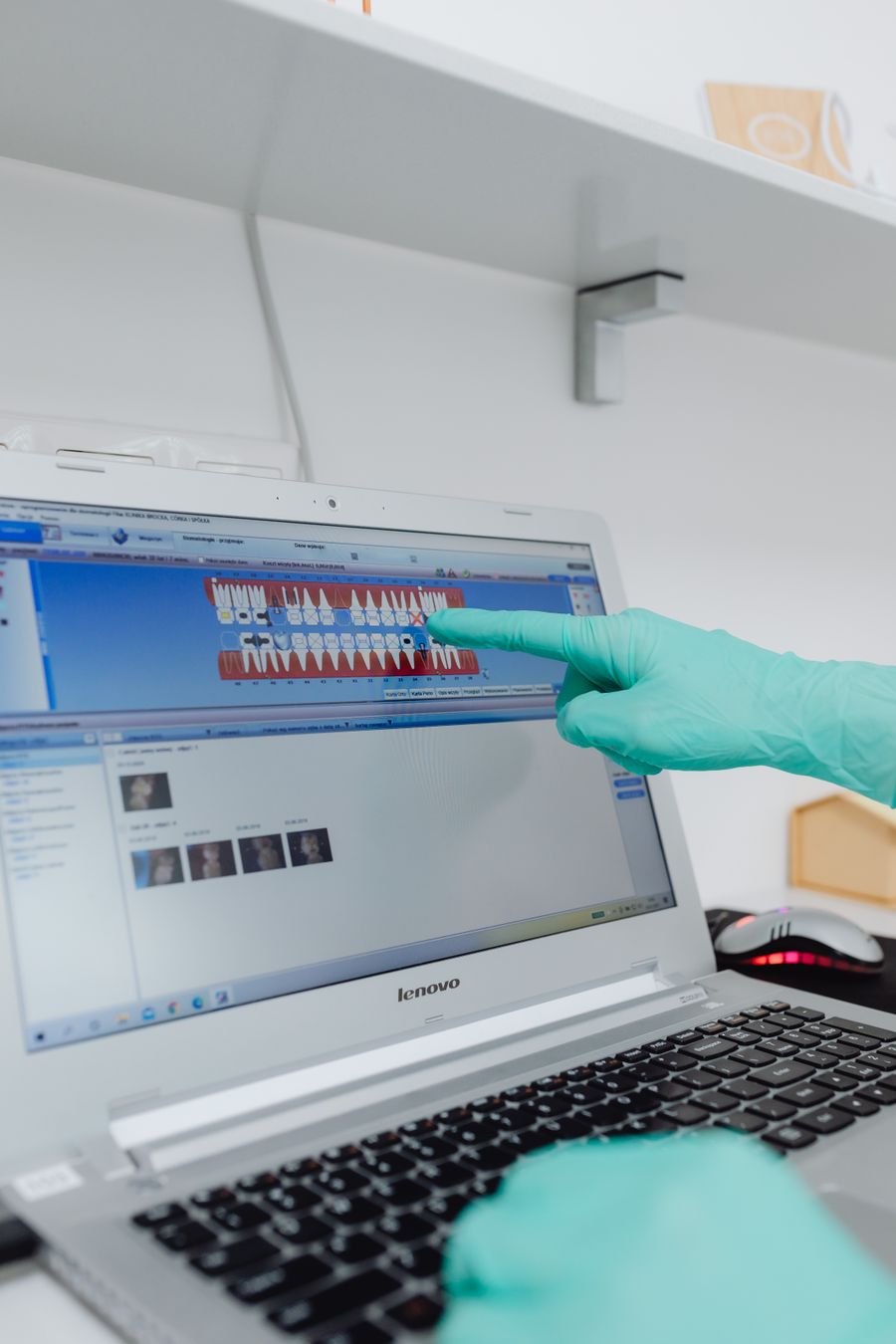
Medical and dental records carry legal duties. Same approach: the HIPAA checklist, a percentage, and the steps to raise it.
Readiness against a checklist is a fact. Whether a business is compliant is a judgement an auditor makes. We say the first and never claim the second.
Tell us about the business and roughly how many computers. We will come back with a price and a date.